If we need to access database in private network that we can’t access directly but we have access to server inside the private network that have access to the database. We can use ssh command to create a tunnel using that server.
+-----------------------------------------+ | Private network | | |+--------------+ | +--------------+ +--------------+ || | | | | | | || | | | | | | || Client |----------------| Server | | Database | || | | | | | | || | | | | | | |+--------------+ | +--------------+ +--------------+ | +-----------------------------------------+ssh -N -L {local_port}:{db_host}:{db_port} {jumphost}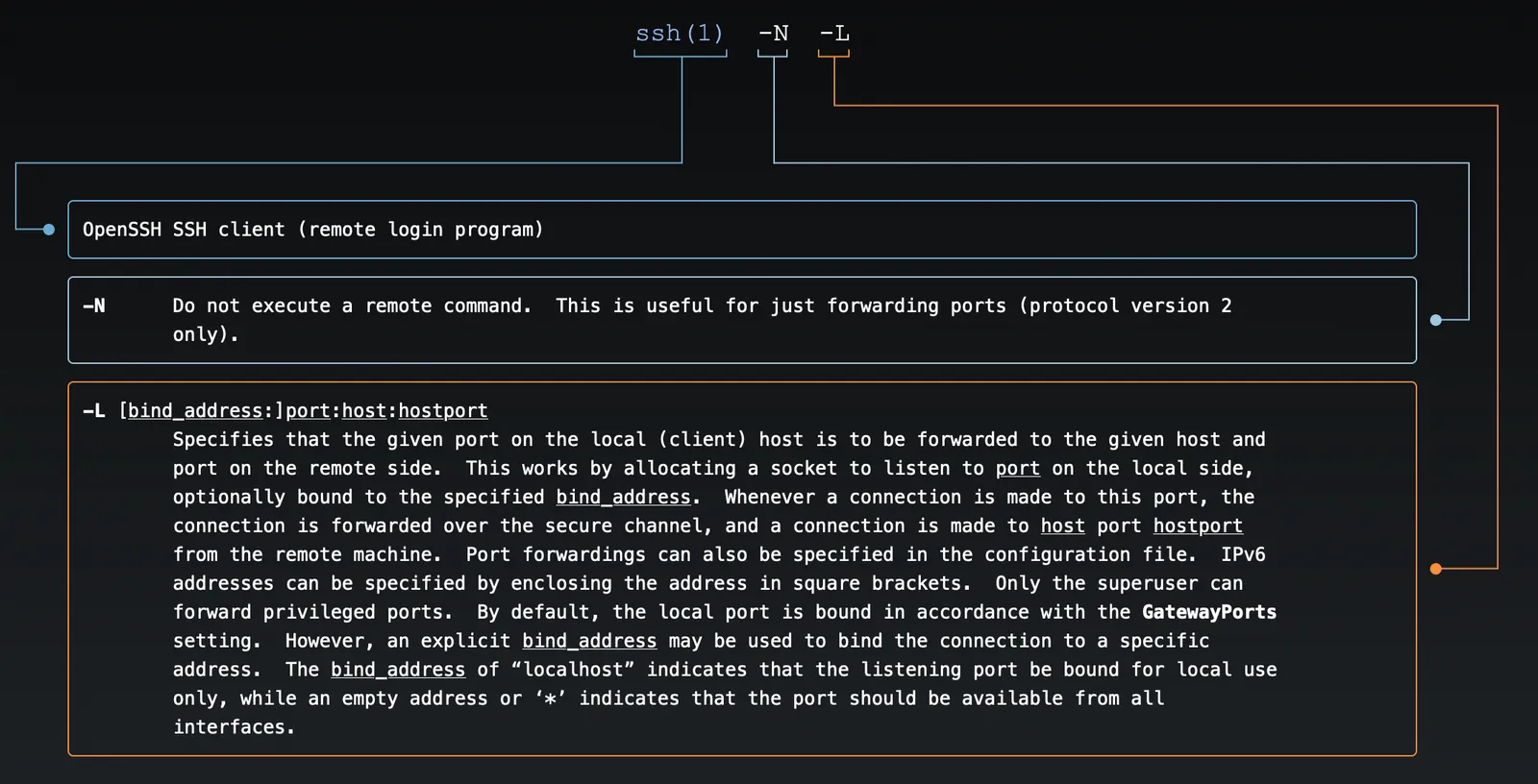
This is will create a tunnel in our localhost at port 4444, which will connect to 10.40.10.22 at port 5432 by using tunnel-staging user on 10.22.33.44 host as jumphost.